checkout.northstar.test / confirmation
Watch a run while it works.
Every hosted run has a live view: a read-only stream of the browser while the agent works. When the run ends, its video, screenshots, network log and Playwright trace show exactly what happened.
01Open checkoutScreenshot captured
20002Confirm paymentPOST /webhooks/payment
20003Receive receiptTest inbox matched
readyOrder state confirmed
Callback received
Receipt matched
Explore browser traces Live while it runs
Open the live view from the dashboard, or from live_view_url in the CLI’s JSON output or an MCP client, while the run is working.
Recorded every time
Hosted runs record a video, a screenshot for each step, a HAR network log and a Playwright trace.
Share with your team
Send a run link to a teammate, or let a coding agent read the same steps and recordings.
Watch a hosted run
Start a task or a check, then open its live view. You see the browser as the agent clicks and types, and the run status as it changes.
- Read-only live stream
- Run status as it changes
- Link in CLI and MCP output
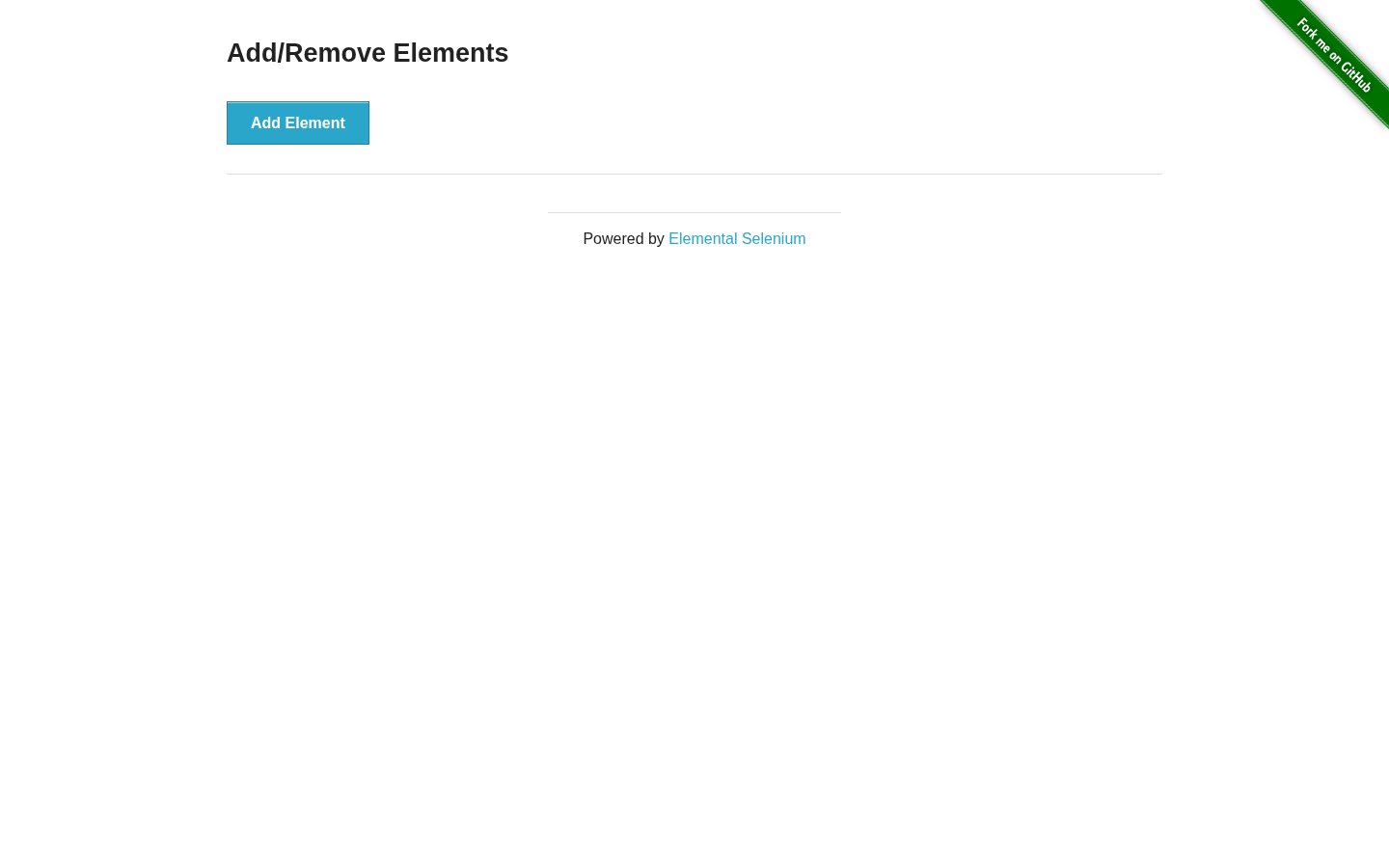 Actual screenshot · controlled public run · final state
- 01Add the elementclicked Add Element
- 02Check it appearedDelete button present
- 03Remove the elementclicked Delete
- 04Check it is goneDelete button absent
Controlled public run; this example demonstrates captured evidence and is not a customer case study or reliability benchmark.
Watch the recorded runReplay it afterwards
When the run finishes, open the recording and the step list. Each step has its screenshot, and the network log and console show the requests behind it. Recordings are kept for 5 days.
- WebM video
- A screenshot for each step
- HAR log and Playwright trace
- Completed
- The requested result was observed.
- Failed
- The expected page state was not reached.
- Blocked
- Access, a required input, or a workflow limit prevented progress.
Review the recorded steps and screenshots to see where the task stopped.
What’s available today
Live view is read-only. Taking control of the browser during a run isn’t available yet.
- Live view (read-only): every hosted run
- Video, screenshots, HAR and trace: every hosted run
- Take control during a run: not yet
Frequently asked questions
Have a specific workflow in mind?
Talk to us
Is live view available for every run?
For every hosted run while it is working or paused.
Can I take control of the browser?
Not yet. Live view is read-only today.
How long are recordings kept?
5 days. Download anything you need to keep.
Does live view replace Trace?
No. Live view shows the run as it happens. Trace is where you investigate afterwards, with steps, requests, console messages and screenshots side by side.
See a run from start to finish.
Create a free workspace and describe the first flow to test. Or check a public page first, no account needed.
Free during the beta. No card.